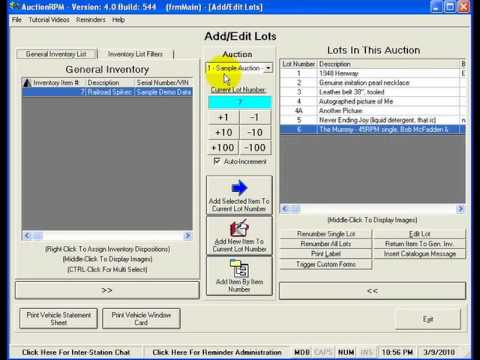
Setting Up An Auction
Setting Up an Auction — The First Step in Every Auction
There’s a first step for everything, and when you’re preparing to hold an auction in AuctionRPM, setting up the auction is where it all begins.
Before you can start building the auction, entering inventory, working with consignors, registering bidders, or eventually recording sales, AuctionRPM needs to know about the auction you’re preparing to conduct.
In this tutorial, you’ll learn about the process of setting up a new auction in AuctionRPM and establishing the auction that the rest of your work will be associated with.
Think of the auction record as the foundation on which everything else is built. Once the auction has been established, AuctionRPM can begin bringing together all of the information associated with that particular sale as you move through the preparation and auction process.
Whether you’re preparing a small estate auction, a large equipment sale, or another type of auction, the process begins in the same place: create the auction first, and then start building everything that goes with it.
If you’re new to AuctionRPM, this is an especially important tutorial because it marks the transition from configuring and learning the system to actually preparing your first auction.