Assigning Images to Auction Lots
Assigning Photos to a Pre-Lotted Auction — Put Your Inventory on Display
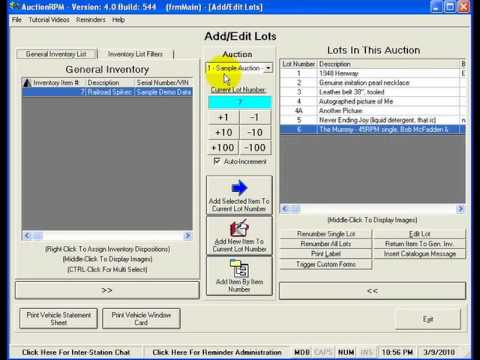
When you're conducting a pre-lotted auction, good photographs can become an important part of presenting your merchandise to potential buyers. AuctionRPM provides multiple ways to associate images with the inventory you've already entered and assigned to an auction, giving you the flexibility to choose the photo workflow that works best for your operation.
In this tutorial, you'll learn about the different ways photos can be assigned to your pre-lotted inventory and how those images can become useful far beyond simply identifying an item.
Once photos have been associated with your lots, AuctionRPM can put them to work in a variety of ways. They can be incorporated into auction catalogs, used when presenting your inventory on web pages, and displayed during the auction itself.
One particularly useful application is AuctionRPM's Audience Lot View screen. This presentation and projection screen can display information about the lot currently being sold—including its photograph—giving bidders a clear visual reference as the auction progresses. It can be especially useful when using large monitors, televisions, or projection equipment to present auction information to the audience.
Whether you're photographing a few special items or cataloging an entire auction, AuctionRPM is designed to help you connect those images with your inventory and then use them wherever they can help you better present and sell your merchandise.
Take the photo once. Assign it to the lot. Then let AuctionRPM help you put that image to work.